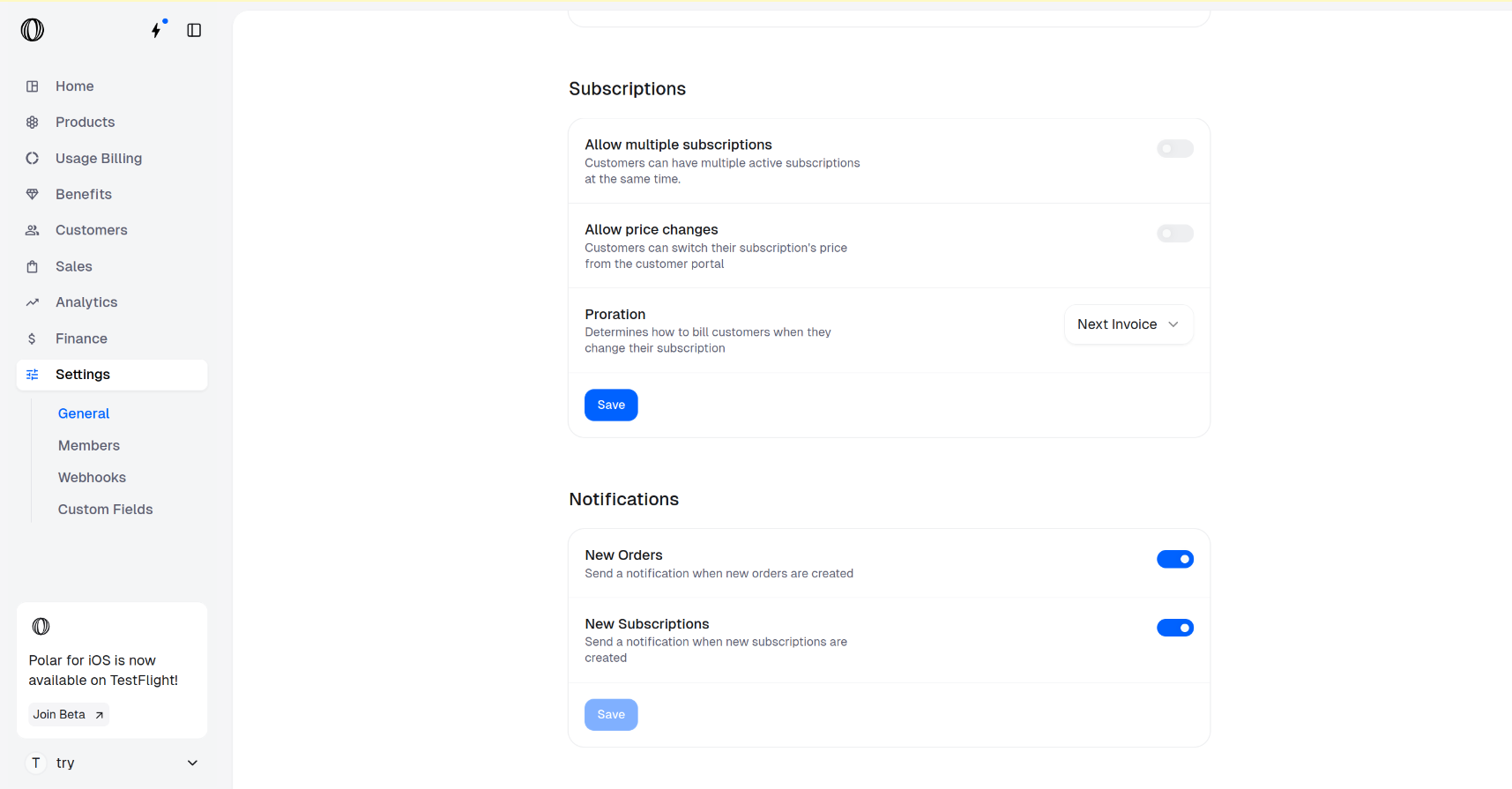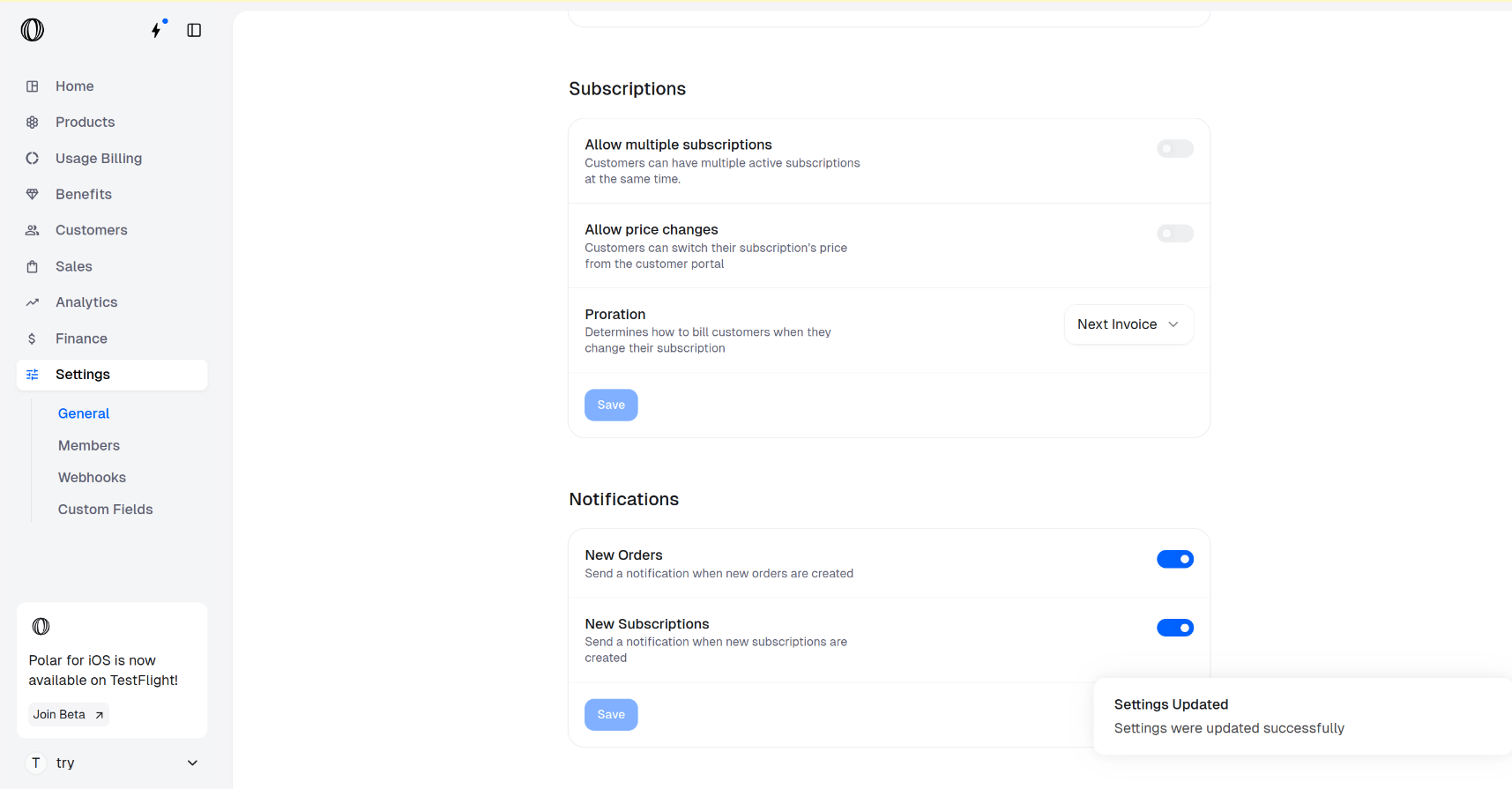

Go to Organization Settings
In the Spaire dashboard sidebar, click on Settings.
You can also go directly to:
Scroll down to Subscriptions section.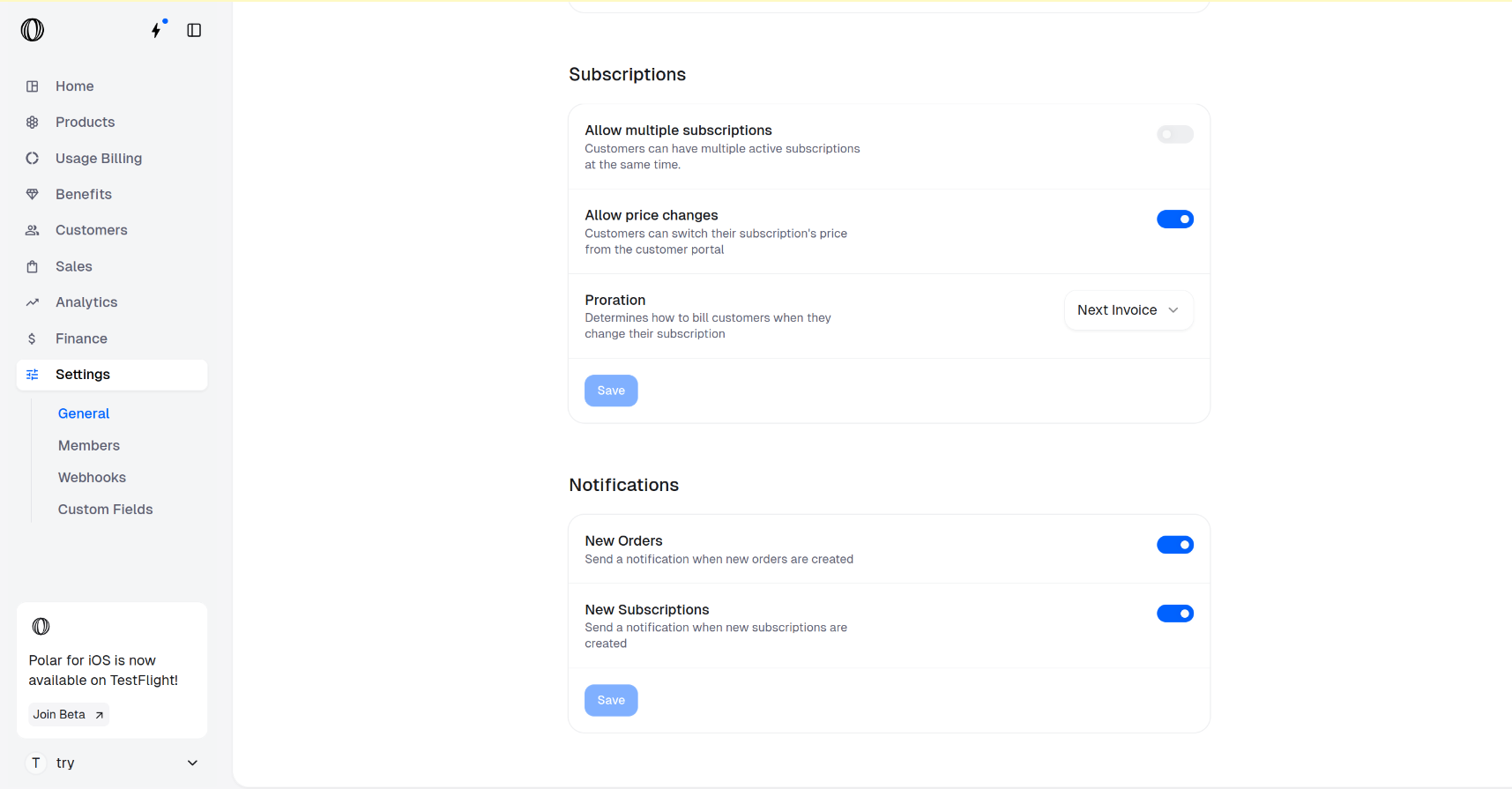
https://www.spairehq.com/dashboard/${org_slug}/settingsScroll down to Subscriptions section.
Toggle Allow price changes
Toggle OFF Allow price changes to prevent customers from upgrading or downgrading their subscriptions from the customer portal.